
On GiftsQR, the Christmas and New Year flow lets you build a themed page with message, images, and festive energy — great for bringing family together on one link, sending a digital card with QR, or pairing with a printed card.
This guide walks you from zero to sharing, aligned with the holiday product on the site.
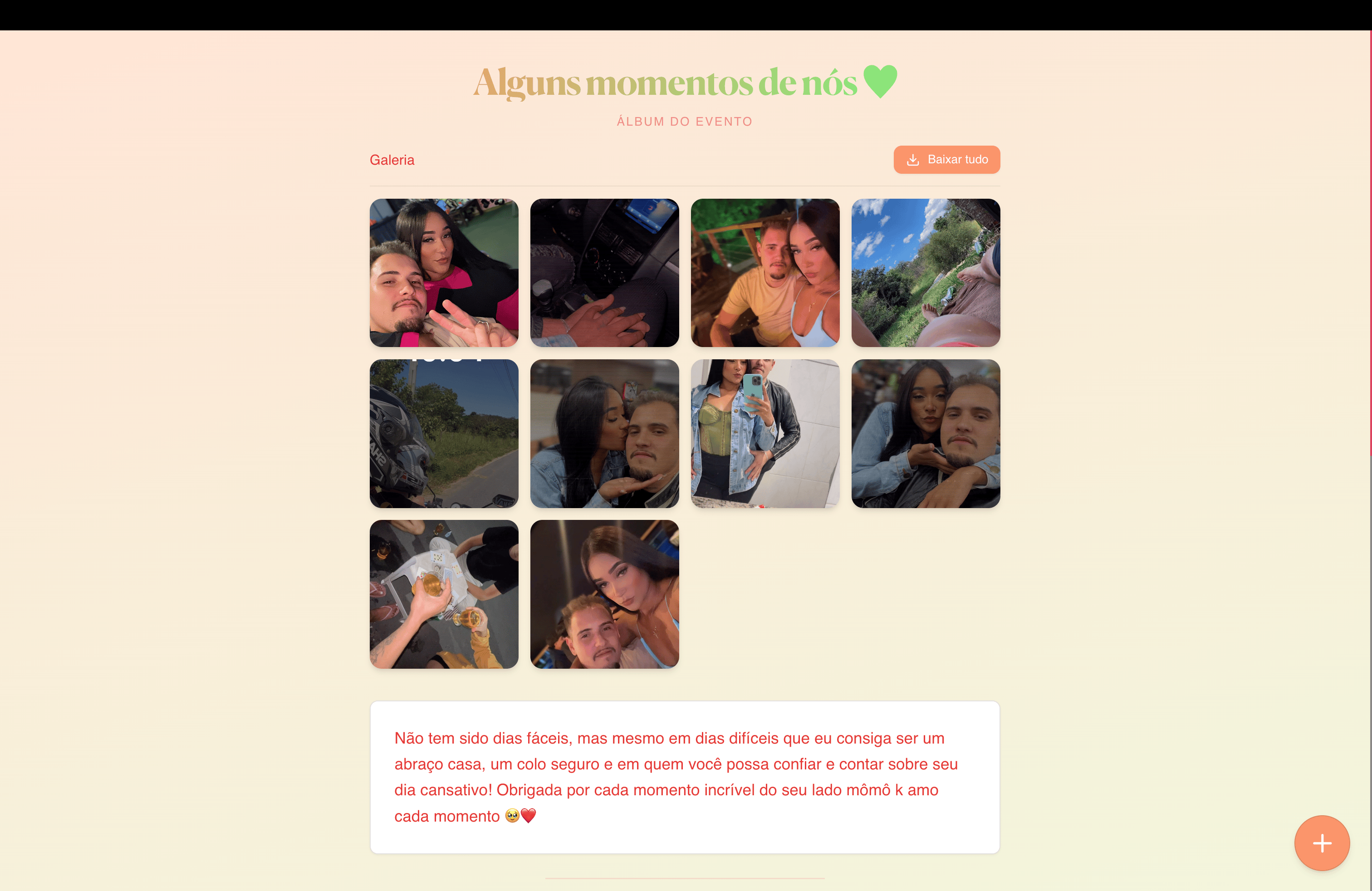
What you will have at the end
- A link for extended family and friend chats
- A QR Code for a printed card, gift tag, or social post
- A page with photos and an end-of-year message
What to prepare before you start
- Message idea: wishes for peace, gratitude, or a short reflection on the year
- Photos with good light (family, tree, dinner — whatever matches your tone)
Step 1 — Open Christmas / New Year
Start here: giftsqr.com/en/christmas
That is where you begin your digital holiday surprise.
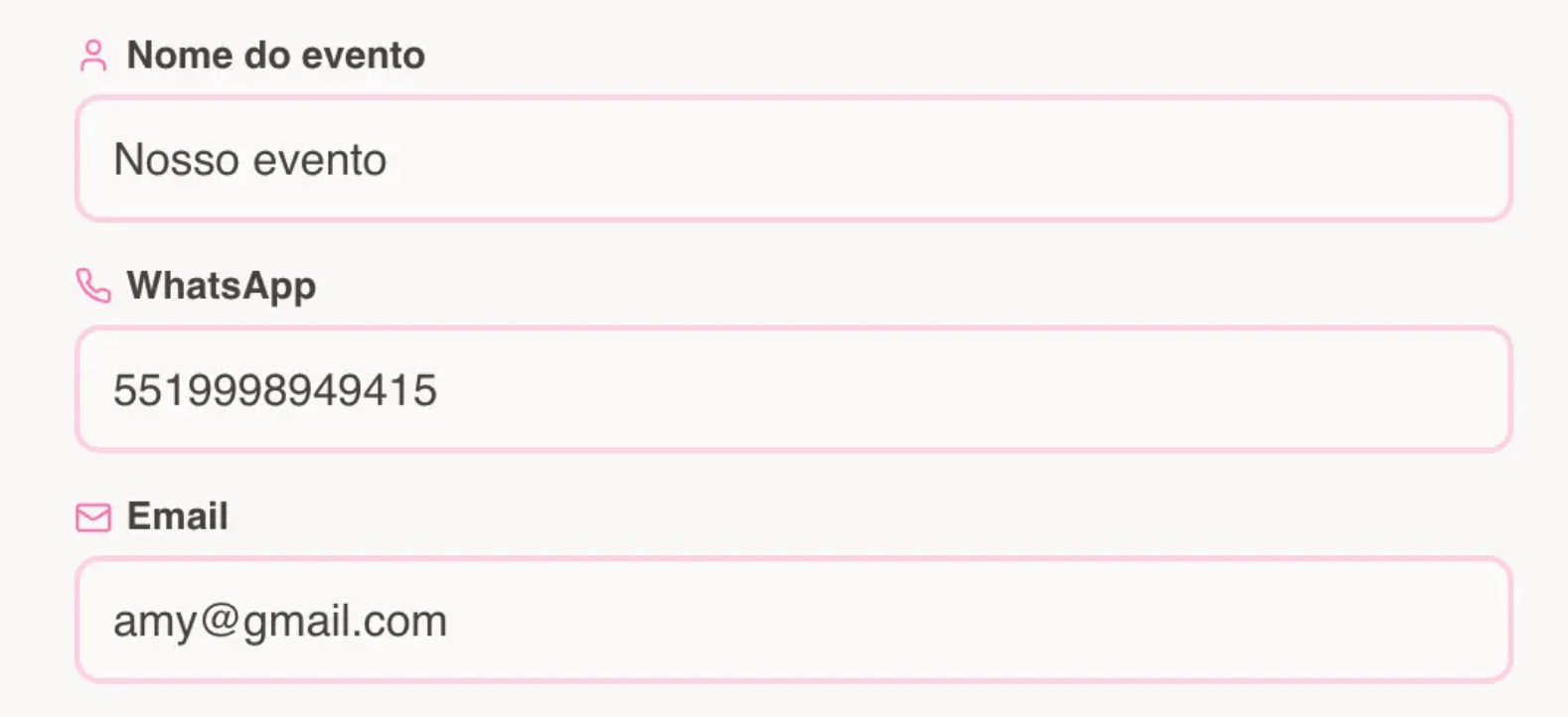
Step 2 — Enter your details
- Complete the form fields (name, contact when asked, etc.).
- If WhatsApp delivery is offered, use country and area code in the phone field.
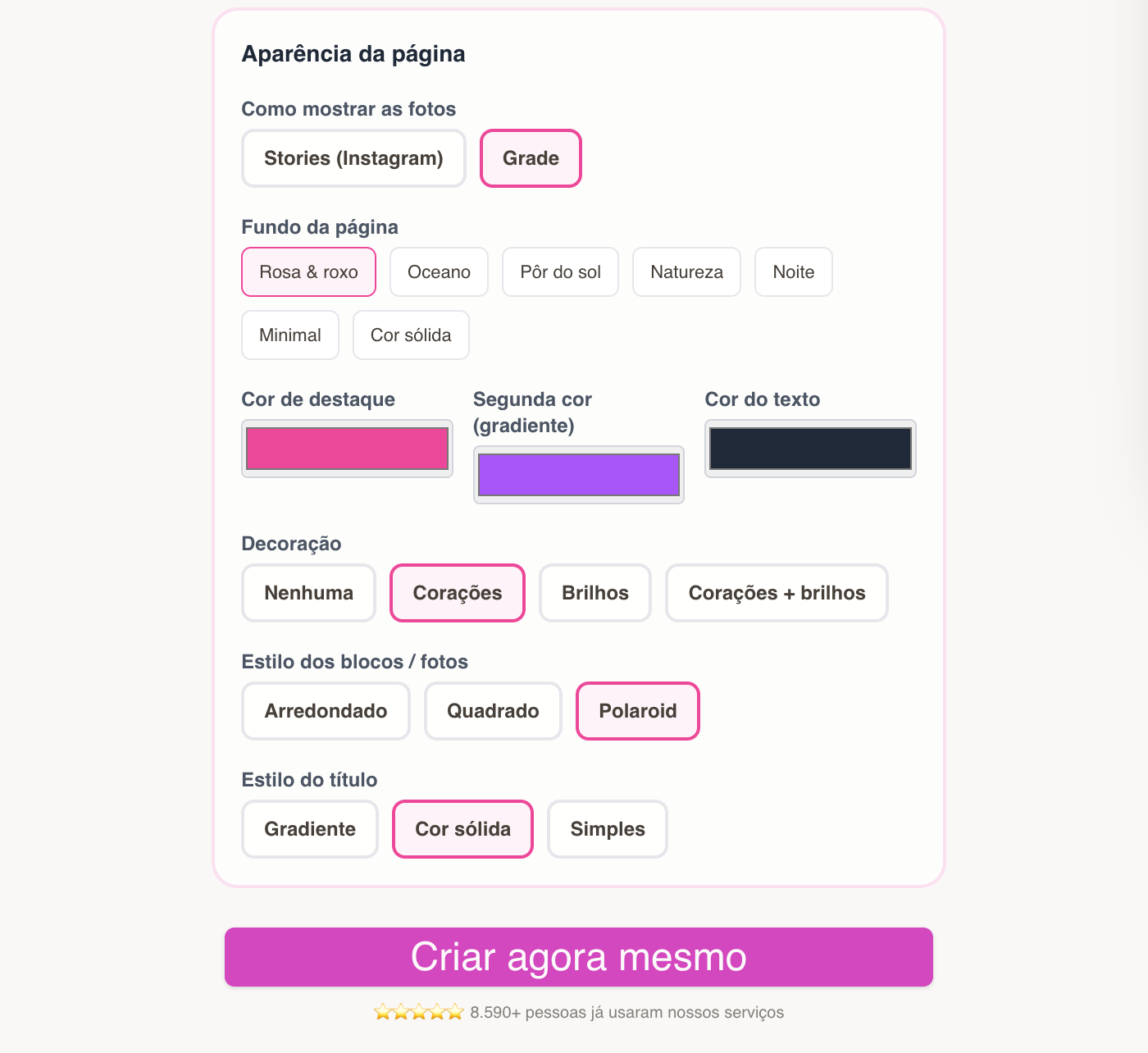
Step 2.1 — Choose the page style
- Pick a look that fits classic Christmas, minimal, or playful.
- Refine in the editor to match your hero photo.
Step 3 — Page created: link, QR, and editing
After checkout you get link, QR, and editor access.
Save your editor link so you can swap photos or copy up to the eve — or refresh content next year.
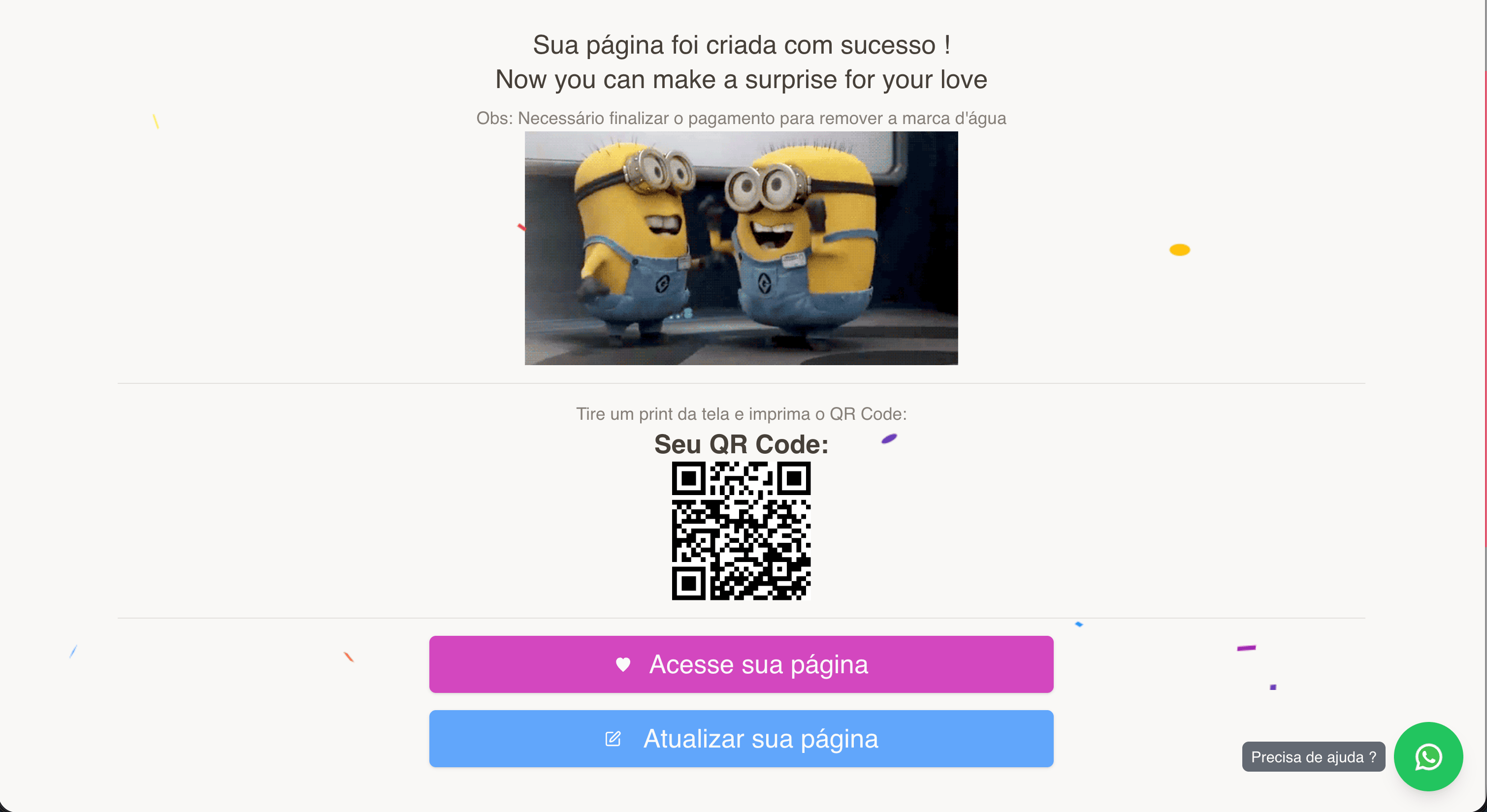
Step 5 — Preview and share
Use View page, then share the link with the people you want to delight. QR works well for:
- A printed card that says “scan for our holiday message”
- Social (temporary bio link or a post featuring the code)

Tips for a polished result
- A sharp family photo or dinner moment elevates the hero.
- Short, sincere copy reads best on small screens.
- If you blast WhatsApp, open the link on a real phone once before sending widely.
Frequently asked questions
Is it only for Christmas?
The product also fits New Year and general holiday vibes — adjust copy and images.
Do I have to print?
No. Digital link or QR is enough; printing is optional.
Ready to start?
Create your Christmas / New Year card on GiftsQR
More guides on the GiftsQR blog.