
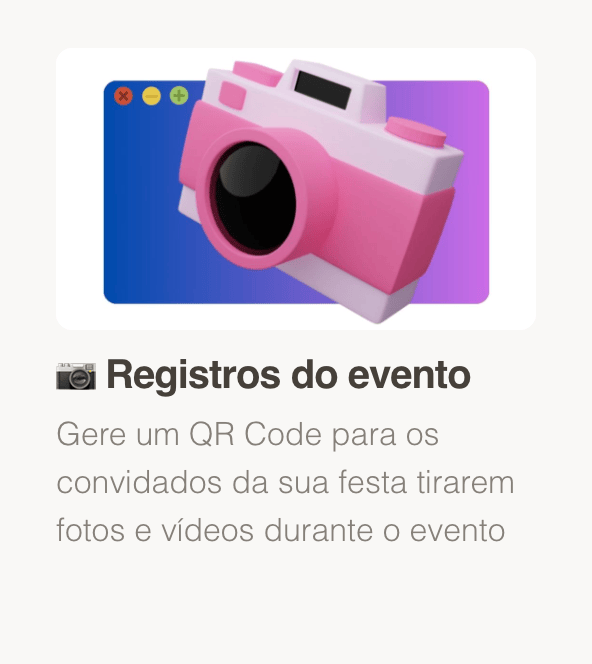
Holiday parties, kickoffs, awards nights, and team offsites create a lot of photos — often scattered across drives. With GiftsQR event memories (Tunel), you publish an event page with a title, short message (thanks, values, internal hashtag), and a gallery shared by link and QR Code.
Same practical structure as the other GiftsQR album guides.
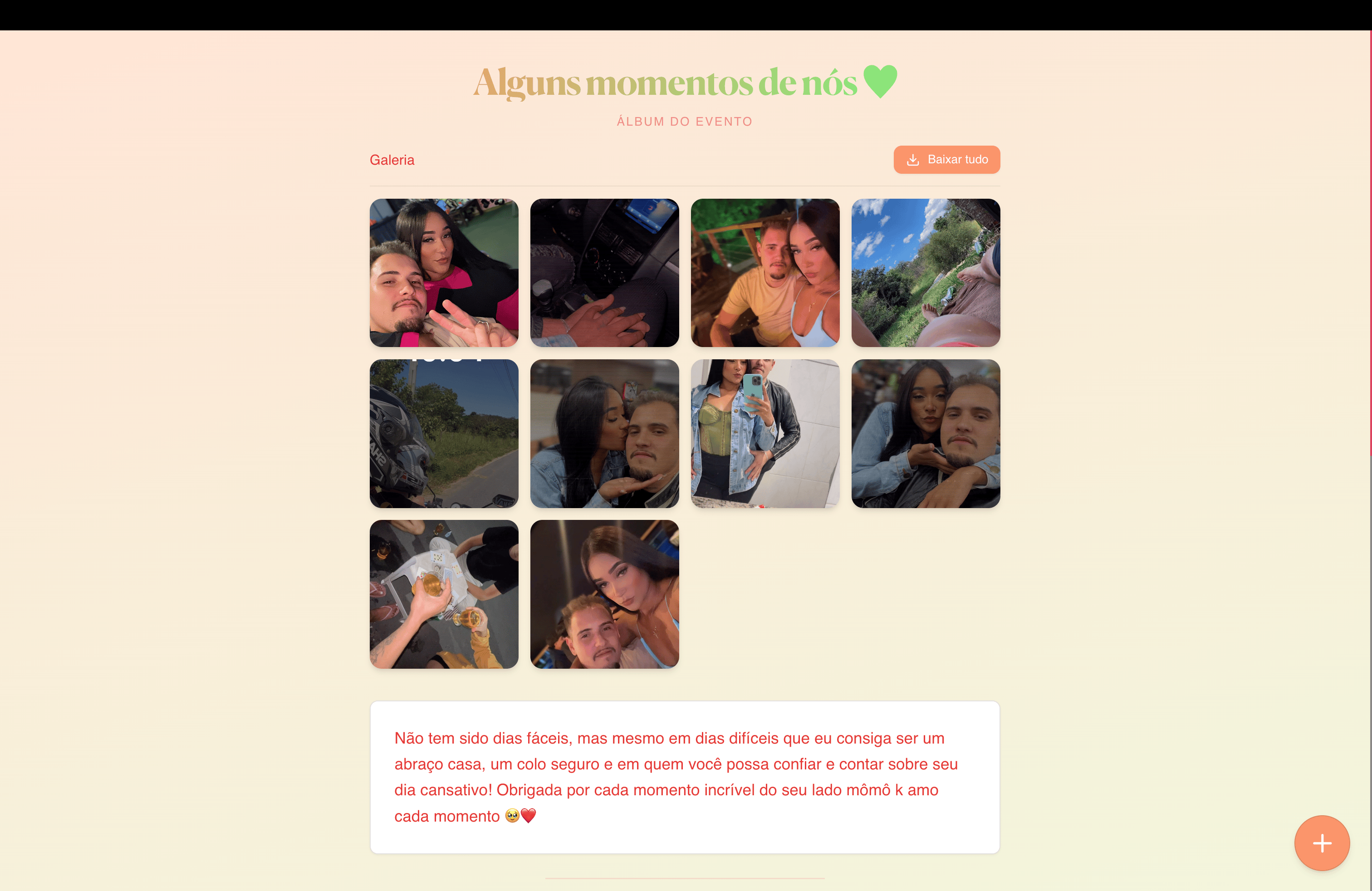
What you will have at the end
- A stable link for a follow-up email, intranet, or Slack/Teams
- A QR Code for badges, handouts, a step-and-repeat, or a closing slide
- A gallery for keynotes, awards, and celebration moments
What to prepare before you start
- Event name (e.g. “2026 year-end party”, “Sales kickoff”)
- Short copy: leadership note, internal CTA, or thank-you to the team
Step 1 — Open event memories
Go to: giftsqr.com/en/tunel
This product supports shared event albums — including corporate use with a sober or festive tone depending on your copy and style choices.
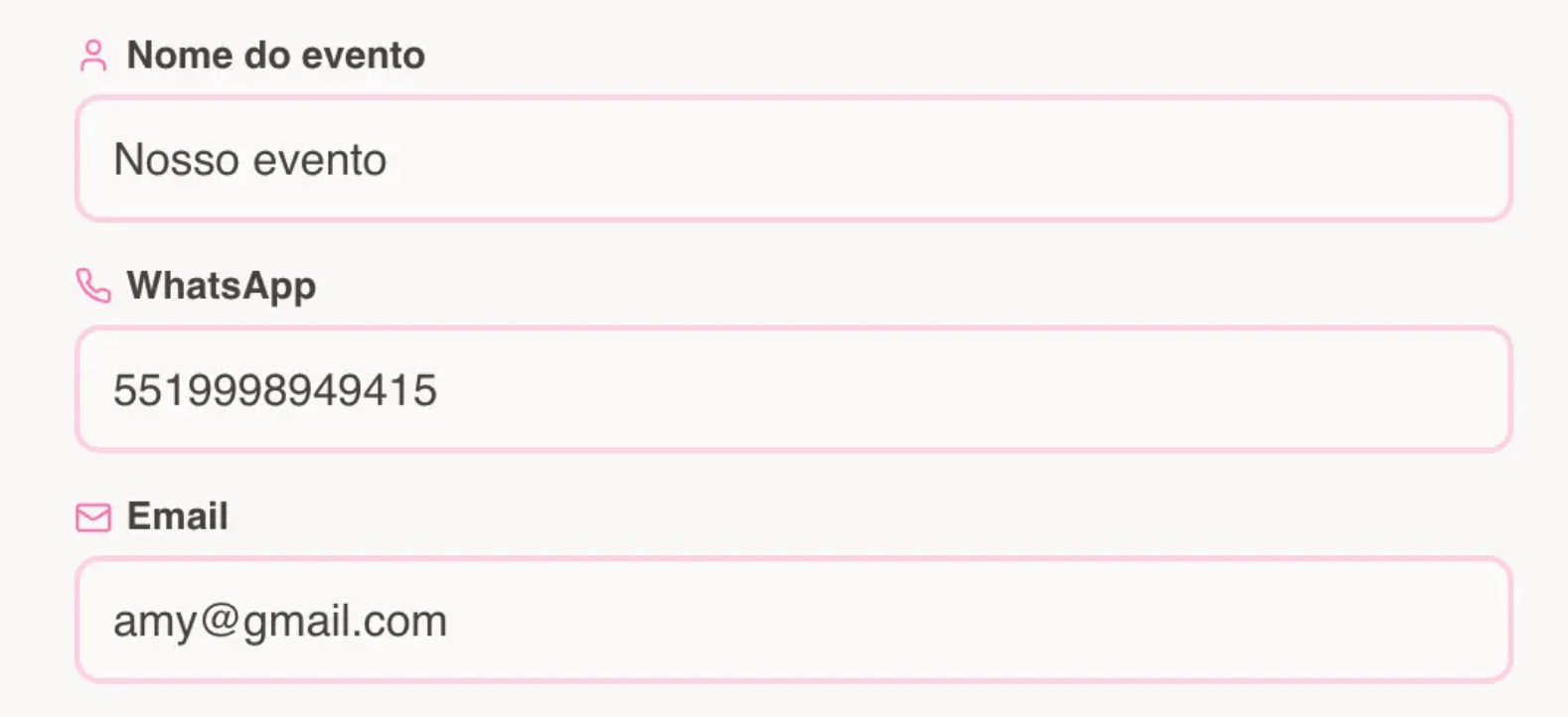
Step 2 — Enter your details
- Use the official event or campaign name.
- Fill email and phone when requested (helpful for access and service notices).
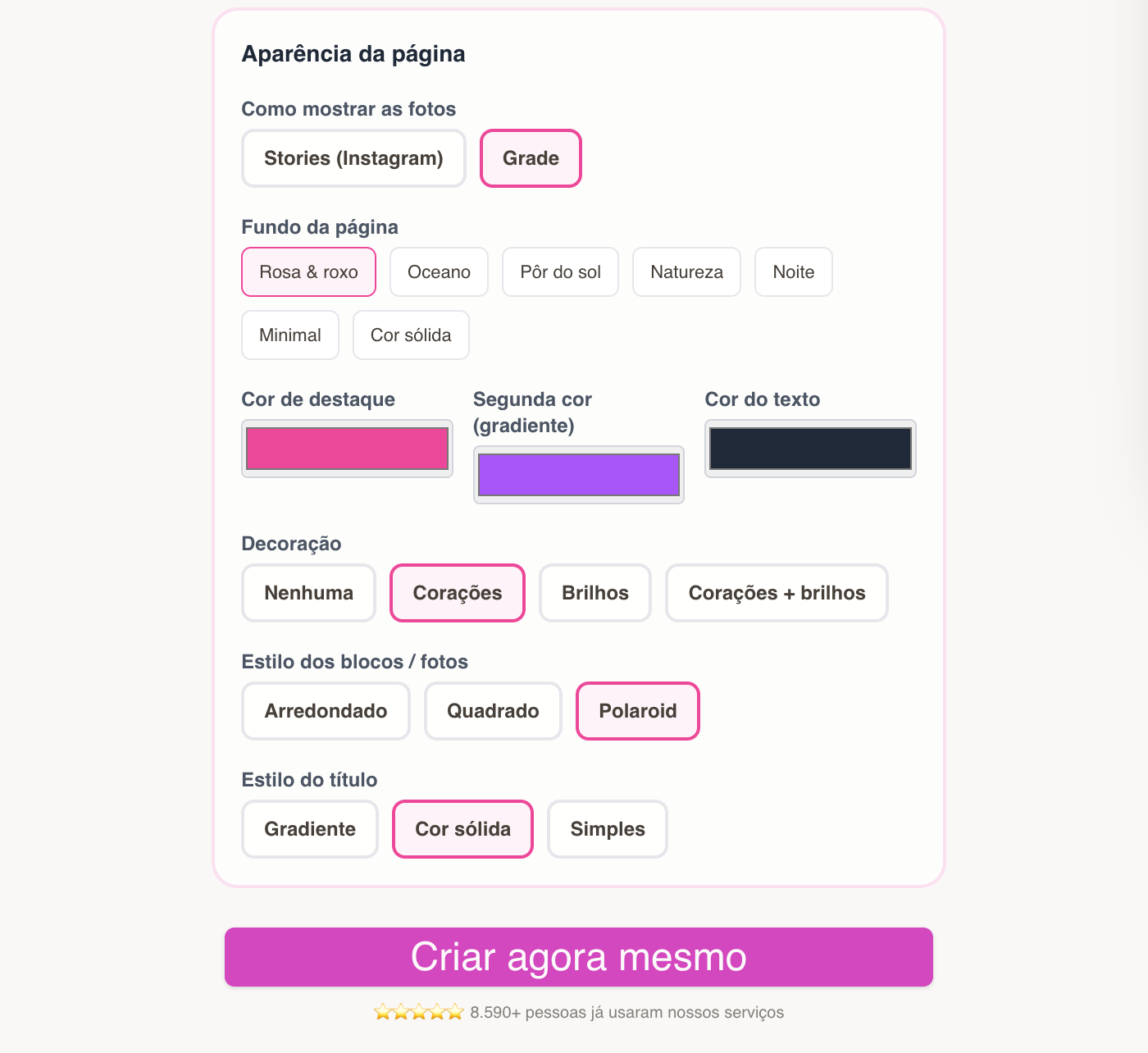
Step 2.1 — Choose the page style
- Favor a clean layout if the audience is mixed (leadership + frontline).
- Tune colors toward brand cues in the editor when appropriate.
Step 3 — Page created: link, QR, and editing
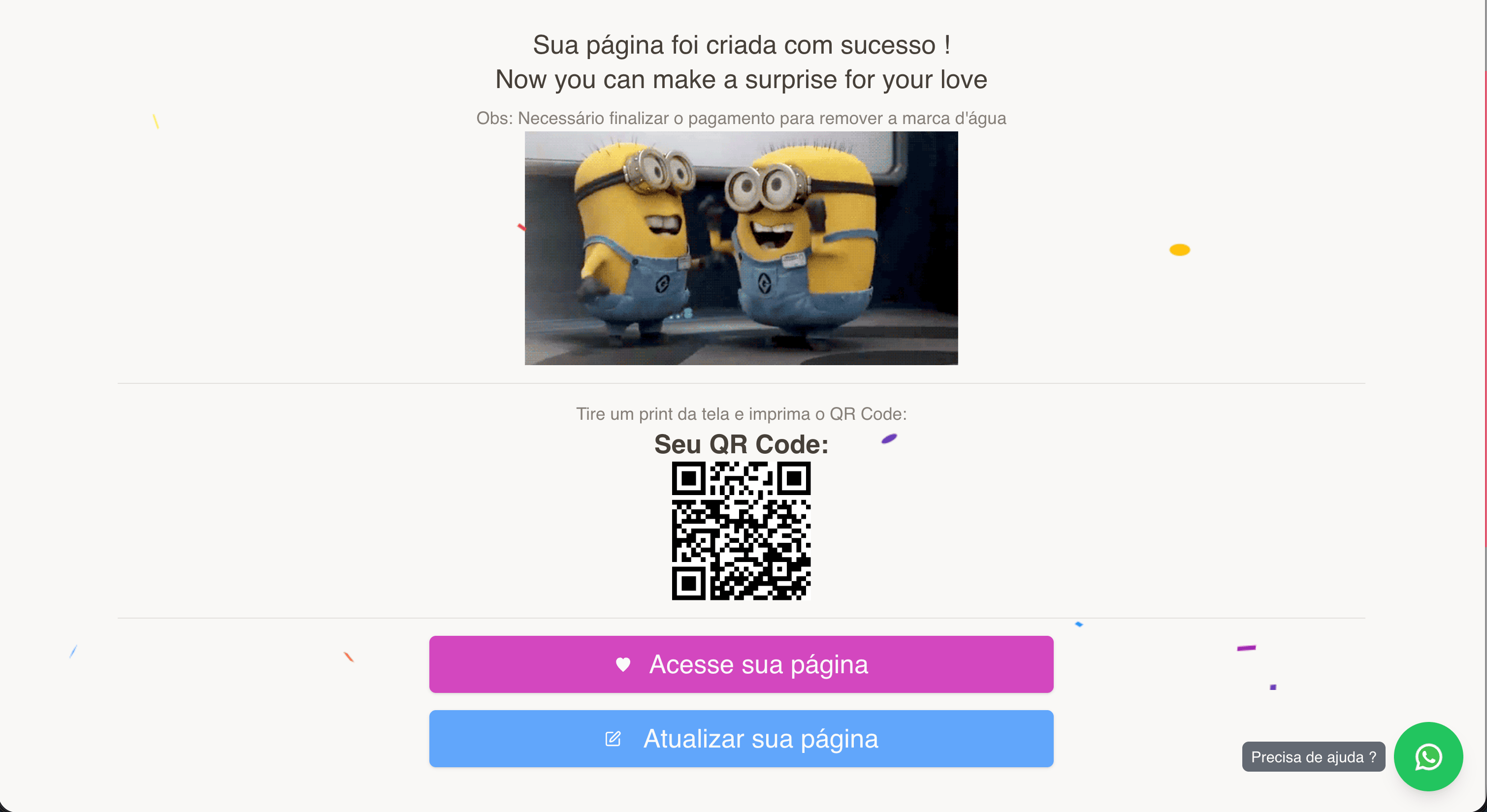
You receive the public link, QR, and editor.
Save the editor link with marketing or people ops — that is how you refresh photos after the photographer or teammates send selects.
Step 5 — Preview and share
Validate with View page. Surface the QR on the final slide (“scan to see photos”) or near the exit.
Ideas:
- Link in a “thank you for joining” email the next day
- QR in internal comms (cafeteria poster, newsletter)

Tips for a polished result
- Hero image: group shot, stage, or awards moment.
- Agree on who owns editor updates so the gallery stays consistent.
- Tight copy (2–4 sentences) plus a strong gallery usually beats long policy text on the same page.
Frequently asked questions
Does this replace a corporate drive?
It complements it: GiftsQR offers a simple, mobile-first page to relive the event; your company data policies still apply.
Can we use it for a customer-facing event?
Yes — tune the message and photo selection for an external audience.
Ready to start?
Create corporate event memories on GiftsQR
More posts on the GiftsQR blog.