
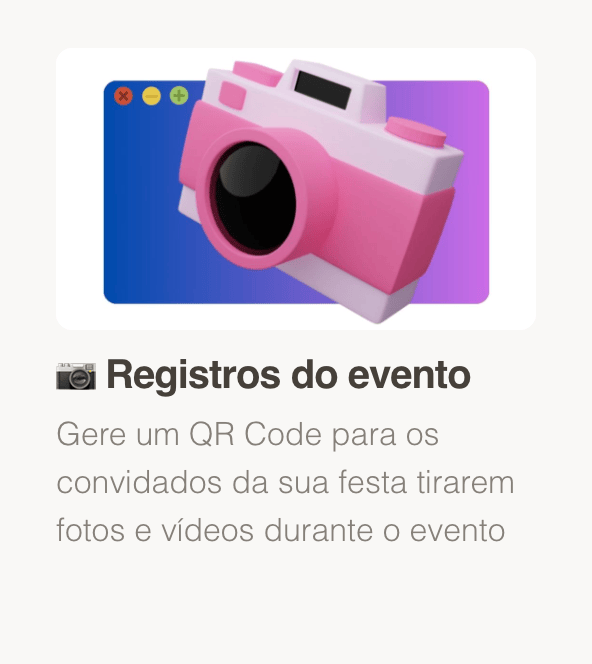
GiftsQR offers event memories (the Tunel product): a page with an event name, guest message, and photo gallery — perfect for a baby shower, gender reveal, or family gathering before the baby arrives. Everything opens via link or QR Code.
This guide walks you from zero to sharing, using the same flow as other celebrations on GiftsQR.
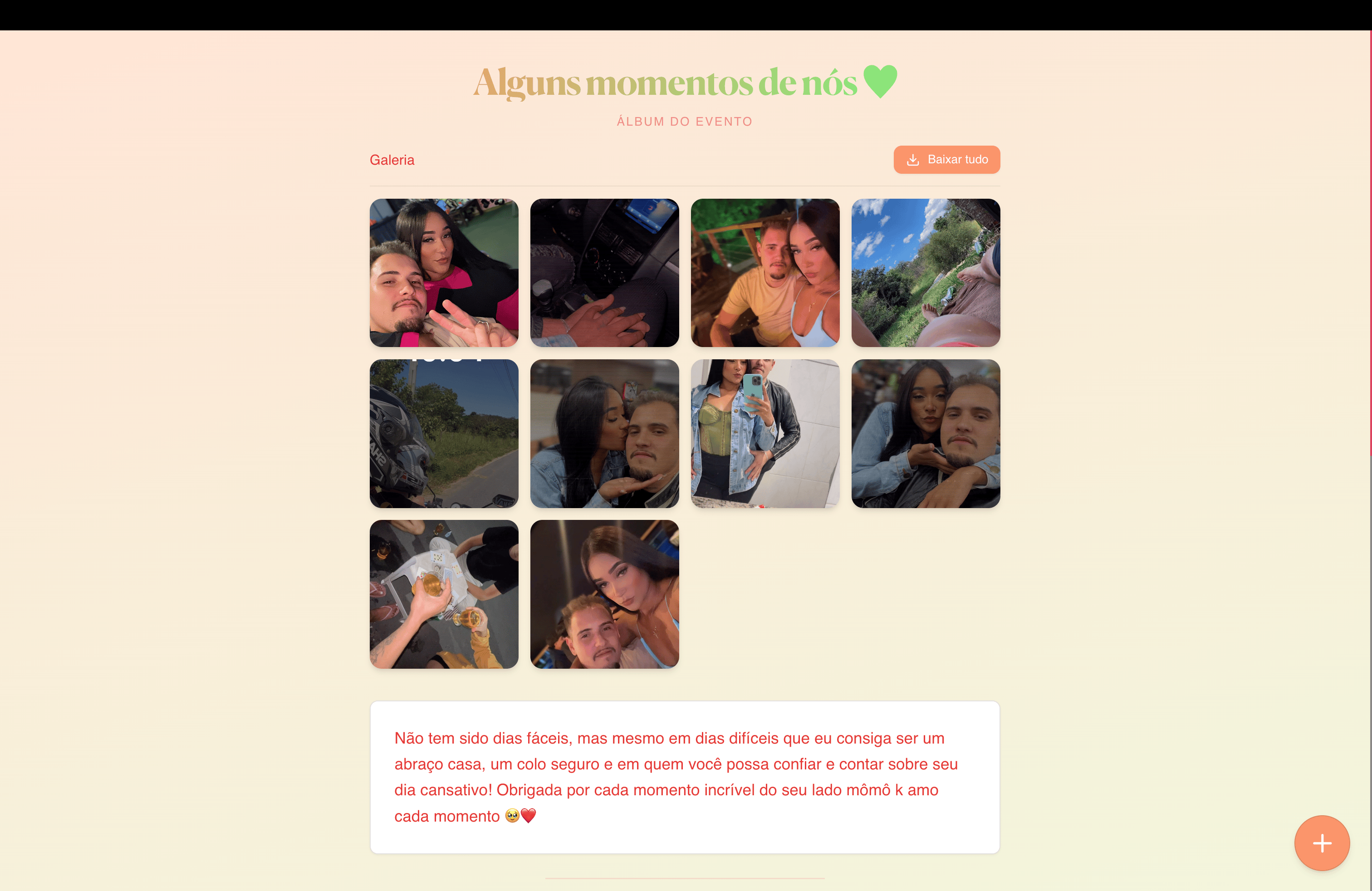
What you will have at the end
- A unique link to your shower page
- A QR Code for a printed invite, decor, or favor tag
- A photo gallery and space for a message to guests (grandparents, godparents, friends)
What to prepare before you start
- Event name (e.g. “Luca’s shower”, “Welcome baby Maria”)
- Copy: thank-you note, parents’ story, or practical details for the meetup
Step 1 — Open event memories
Go to: giftsqr.com/en/tunel
This flow is for shared event albums — baby showers included.
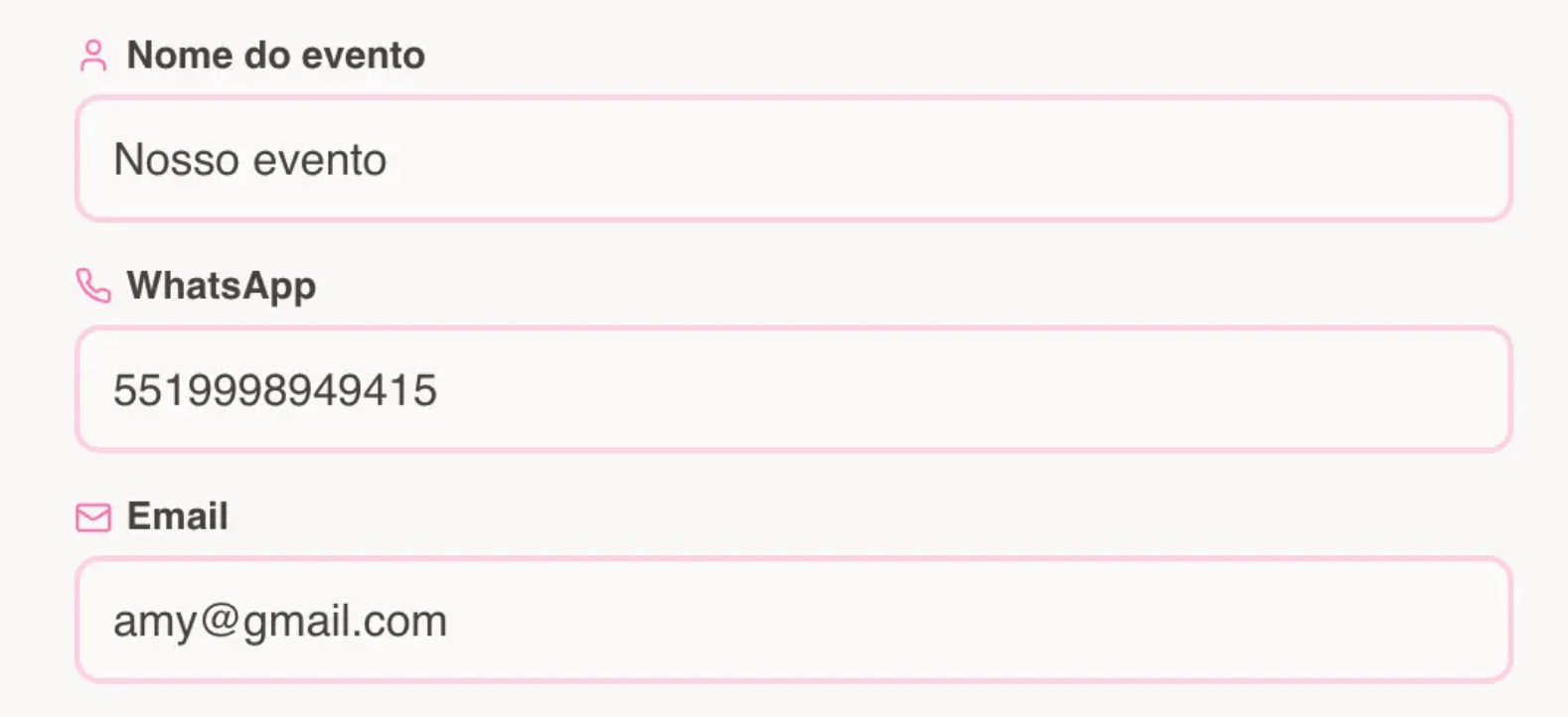
Step 2 — Enter your details
- Enter the name that should appear on the page (baby, parents, or event title).
- If WhatsApp QR delivery is offered, use the phone field with country and area code when prompted.
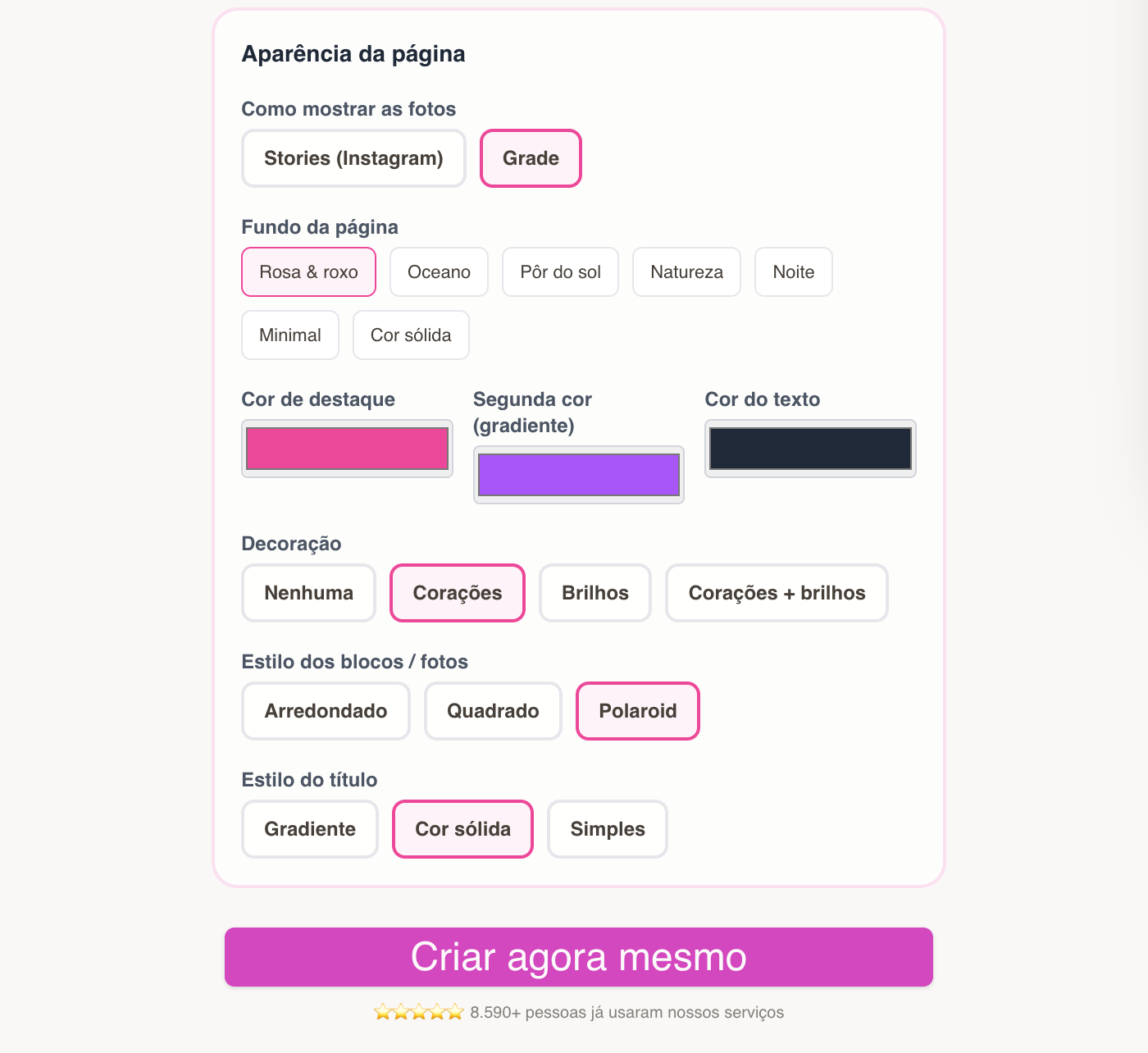
Step 2.1 — Choose the page style
- Pick a style; you can refine it later in the editor.
- Tune colors to match your shower theme.
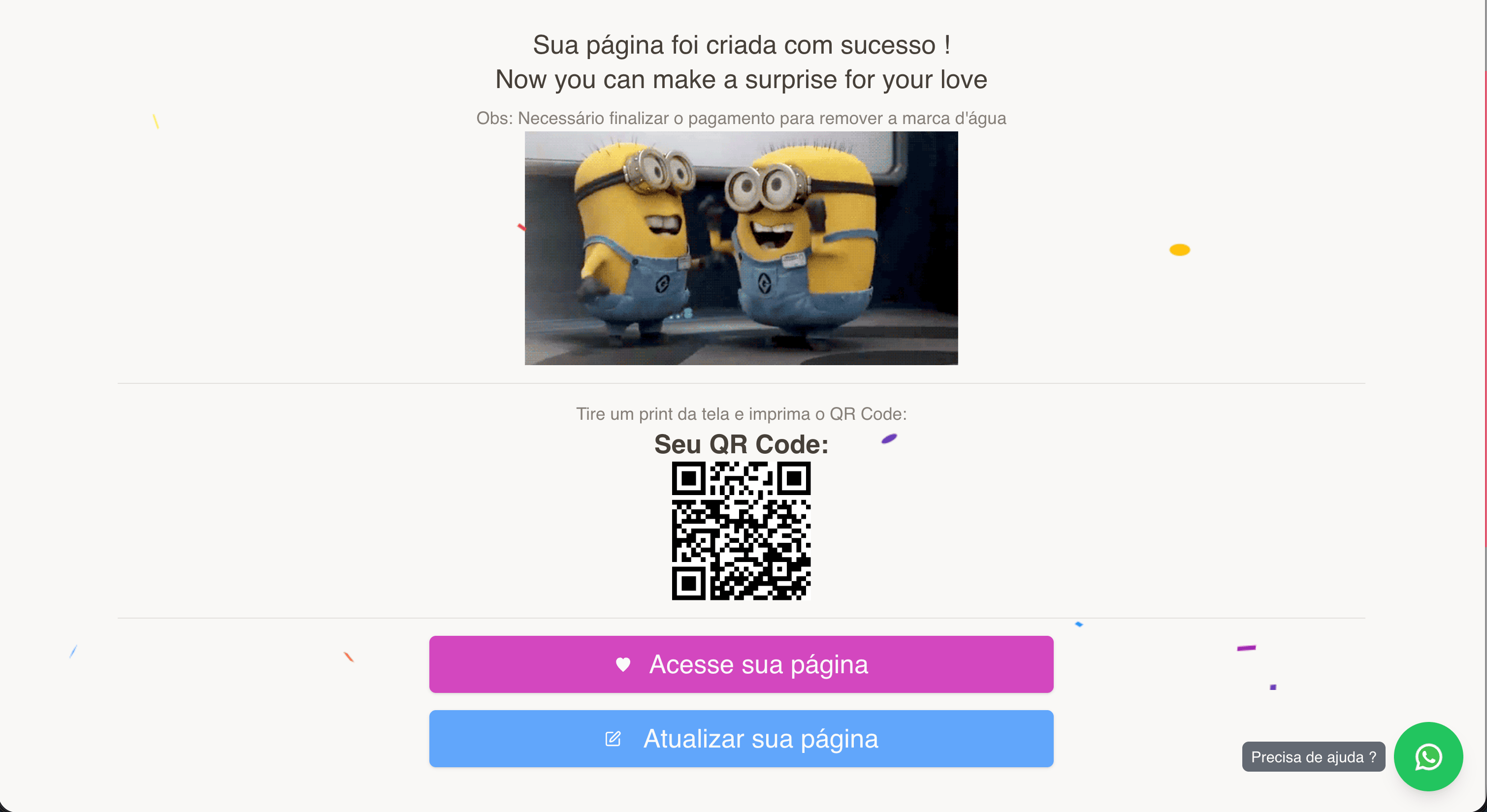
Step 3 — Page created: link, QR, and editing
After checkout you get the public link, QR Code, and editor access.
Save your editor link — that is where you add day-of photos, thank guests, and refresh the album over time.
Step 5 — Preview and share
Use View page to see the guest experience. Share the link in a family chat or ask people to scan a QR at the entrance.
Ideas:
- QR on the invite or place card
- Link for relatives who could not attend in person

Tips for a polished result
- Lead with a warm image (sonogram, tiny shoes, family).
- After the party, add guest photos — the album becomes a keepsake of the group welcome.
- Keep copy short; many people open it on a phone during the event.
Frequently asked questions
Do I need to be technical?
No. The flow is guided; focus on name, photos, and message.
Does it work for a gender reveal?
Yes — same product; adjust copy and photos to your celebration type.
Ready to start?
Create event memories on GiftsQR
More ideas on the GiftsQR blog.